
A Safer Account-Recovery Plan for Older Canadians
Digital Confidence Canada — Build a recovery map before a lockout turns into a chain of lost access. This issue explains how to keep recovery routes current, accept help without sharing secrets, and practise the process safely.

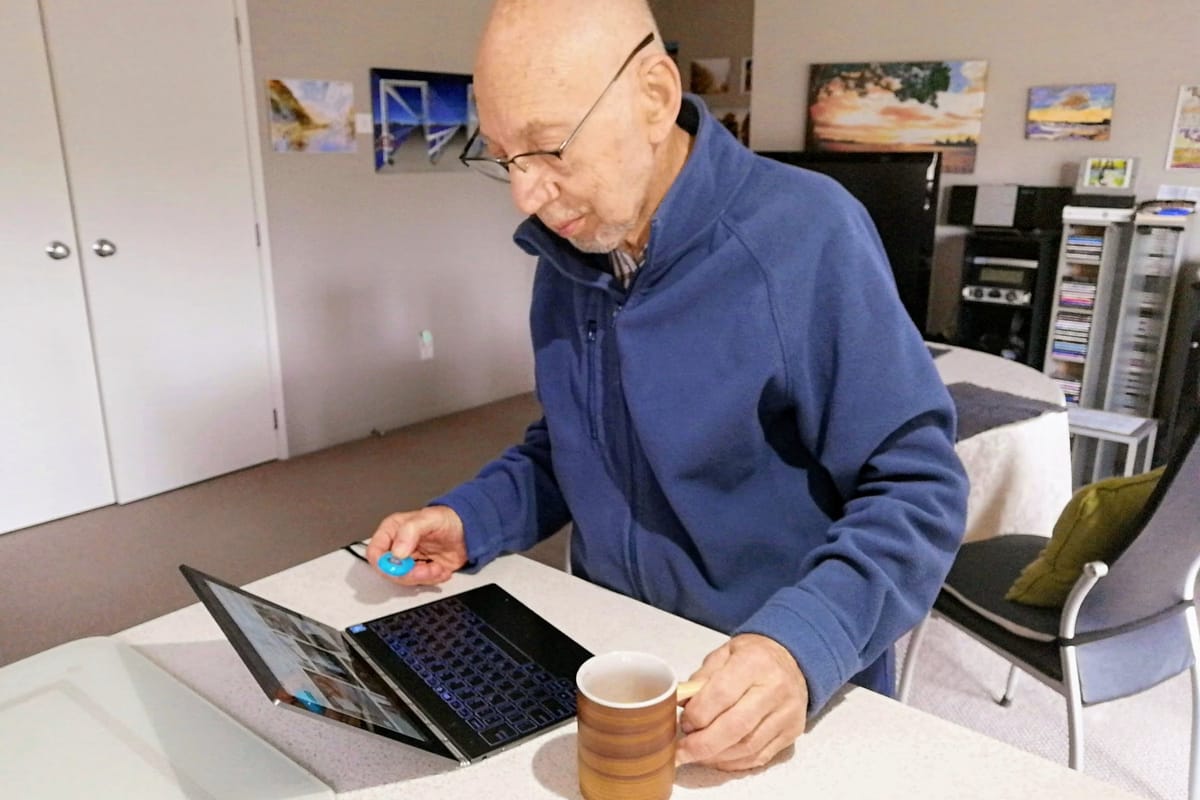
Losing access to an online account can feel like losing the key to several others. A calmer approach is to prepare the recovery route before a password fails, a phone is replaced, or a verification message goes missing.
Treat recovery as a small safety system
Account recovery needs three things: proof that the account is yours, a recovery method you can still reach, and a clear boundary around who may help. Know which email or phone receives messages, where a recovery code is kept, and which official support page to use. Service instructions take priority.
The Canadian Centre for Cyber Security’s password guidance recommends a different password, passphrase, or PIN for each device and account. It also says not to give passwords, passcodes, or PINs to other people, including family. A helper can guide the process without seeing the secret.
Map the accounts that matter
Start with an inventory, not a password hunt. Record the account name and sign-in identifier, but not the password. For each account, note:
- The recovery email and phone attached to it.
- Available methods, such as a passkey, authenticator, recovery code, or trusted device.
- The official app or website where recovery begins.
- Which other account is needed to recover it.
Begin with accounts that can unlock others: main email, mobile-device account, password manager, and cloud storage. Add other important services.
Look for a loop. If email recovers the password manager, but the manager stores the email password, keep recovery instructions in a private place that does not depend on both accounts being open.
Pick a method you can maintain
A password manager can reduce password reuse, but it creates a recovery responsibility. The Cyber Centre’s password-manager security guidance notes that password overload can lead people to reuse easy passwords or keep records unsafely. A manager helps only if you understand how to unlock and recover it.
Before relying on one, check its official help pages for:
- What you must remember to unlock it.
- Whether it provides a recovery code, emergency document, or family role.
- What happens if your usual phone or computer is unavailable.
If you do not use a manager, choose a method you can maintain. A written record may work, but keep it private and secure. Do not photograph a full password list or keep every credential in the account that might be locked.
Make help safe and limited
Family and friends can help with a confusing sign-in screen. The safest role is side-by-side support: the account holder opens the official app or website, reads the prompts, and enters the password or code. The helper explains the screen without seeing the secret.
Agree on these boundaries:
- No one asks for a password, passcode, recovery code, or one-time code.
- The account holder decides when a reset begins and can stop.
- A helper uses a documented family or delegated-access feature, if available.
- There is another contact or written route if the first helper is unavailable.
A product-specific example shows why the organizer needs a plan. 1Password’s family recovery guidance says an organizer can recover another member’s account, but not their own. It recommends another organizer and recovery materials. That is not a rule for every password manager.
If access is suddenly lost
Pause before responding to anyone offering an urgent fix. Open the official app or type its known website address yourself, not a link from an unexpected message. Use the provider’s recovery route and read each prompt carefully; use only alternate contacts, codes, or devices you recognize.
Never send a password, passcode, or recovery code to a caller, texter, or supposed support person. If the locked account is your main email or password manager, treat it as a central recovery problem rather than trying random changes across many accounts. Write down the exact message and steps you tried.
After access returns, review available recovery settings and replace any password reused elsewhere. If the official route fails, use the service’s published support channel. Be cautious about anyone promising to bypass verification or asking for remote control of your device. A helper can guide documented steps; they should not need your secret.
Where outside help fits
Public library staff, community digital-literacy services, and qualified technology-support professionals may help with navigation and accessibility settings. Their role is to help you follow the provider’s process, not to take over the account.
If an account belongs to another adult, keep that person involved. If the service asks for identity documents, proof of ownership, or an authorized representative, ask for its approved process before sharing anything. Do not improvise a workaround.
The guidance here draws primarily on Canadian Centre for Cyber Security advice about passwords and password managers. The 1Password link shows one service’s family-recovery limits, not an endorsement or a rule for other services.
This is general educational information, not individualized medical, mental-health, legal, financial, accessibility, or service-eligibility advice.